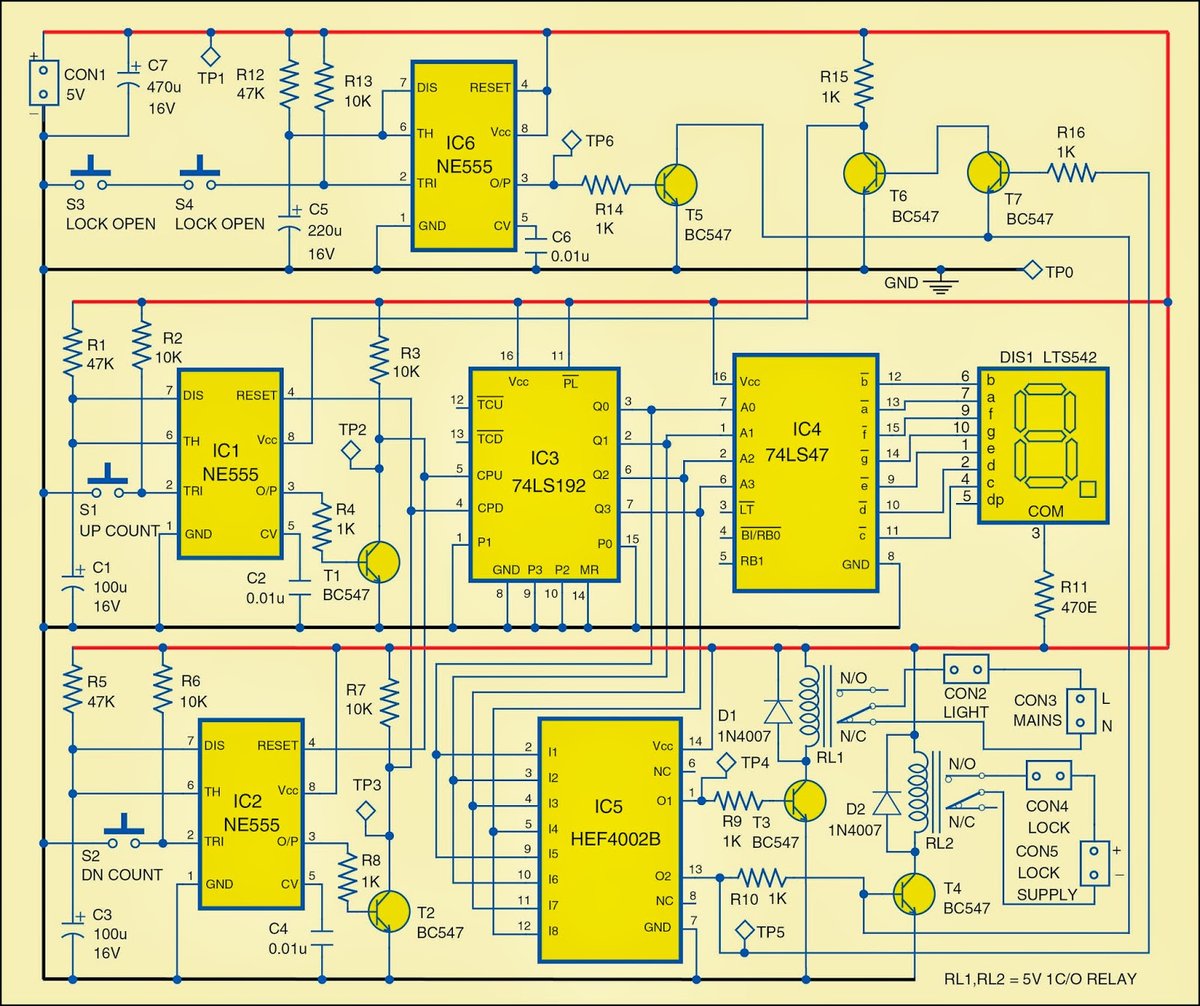
Imagine being able to bring your electrical ideas to life, from a simple LED circuit to a complex electronic system, all from your web browser. Circuit diagrams are the universal blueprint for this electrical world, serving as the critical link between an innovative concept and a functional device. They are not just drawings; they are the precise language engineers, electricians, and hobbyists use to design, analyze, troubleshoot, and prototype electrical and electronic mechanisms.
This comprehensive guide will unravel the intricacies of circuit diagrams, from understanding their fundamental elements to leveraging powerful online tools that empower you to create your own sophisticated designs. Get ready to transform your electrical visions into clear, actionable plans with the help of modern software.
Unlocking the Language of Electricity: What is a Circuit Diagram?
At its heart, a circuit diagram is a visual representation of an electrical circuit. Think of it as a detailed map showing every component and how they are connected to allow electricity to flow. These diagrams come in various forms, but generally aim to convey the circuit's functionality and interconnections clearly and concisely. Without them, designing and building electronic devices would be a chaotic guessing game.
Key elements universally found in these diagrams include:
- Components: Essential parts like resistors, capacitors, transistors, and inductors, each with a specific role and unique graphic symbol.
- Connections: Lines illustrating the wires or traces that link components together.
- Power Sources: Symbols for batteries or other power supplies, indicating where the energy originates.
- Ground Symbol: A crucial marker for common ground terminals, serving as a reference point for voltage.
- Labels and Values: Annotations that specify the characteristics and operational values of components, such as resistance in ohms or capacitance in farads.
Being able to properly interpret these elements is paramount for anyone working with electronics. To truly Master Circuit Diagrams, you'll want to dive deeper into how to identify each component, trace current flow, and understand the overall operation of a circuit.
Pictorial to Schematic: Exploring Types and Symbols
Circuit diagrams generally fall into two main categories: pictorial and schematic. Pictorial diagrams often use realistic images of components, making them easier for beginners to grasp the physical layout. Schematic diagrams, on the other hand, utilize standardized symbols, offering a more abstract yet universally understood representation that focuses on functionality rather than physical appearance. Understanding these distinctions is crucial as you Explore types of circuit diagrams. Learn how they serve different purposes in design and documentation.
The true language of circuit diagrams lies in their symbols. Every resistor, switch, and power source has a specific, universally recognized symbol. This standardization ensures that a diagram drawn in one part of the world can be understood by an engineer anywhere else. From simple wires and connectors to complex logic gates and integrated circuits, each symbol carries a wealth of information. To become fluent in this visual language, a dedicated exploration of Circuit Diagram Symbols & Components will be invaluable for anyone looking to read or create their own electrical blueprints.
From Concept to Creation: Designing Your Own Circuits
The process of creating a circuit diagram is an integral part of electrical engineering, whether for a hobby project or a professional product. It involves not just drawing lines and symbols, but also understanding the underlying physics, predicting component interactions, and ensuring the circuit will perform as intended. This design phase is where initial ideas are rigorously tested, refined, and made ready for prototyping.
Careful planning and precise execution are key when laying out components and connections to avoid errors that could lead to malfunctions or even safety hazards. For those ready to turn their innovative concepts into tangible plans, a focused guide on Designing & Drawing Circuit Diagrams can provide the necessary framework and best practices to get started.
The Future is Online: Circuit Diagram Software and Tools
Gone are the days when circuit diagrams were exclusively hand-drawn on paper. Modern circuit diagram software has revolutionized the design process, offering unparalleled speed, accuracy, and collaborative potential. These digital tools empower everyone from students to seasoned professionals to create, simulate, and share electrical designs with ease. The title of this article perfectly captures this shift: Circuit Diagram Software Helps You Create Electrical Designs Online.
Online platforms like Circuit Diagram.org and Canva's Circuit Diagram Maker provide intuitive interfaces and powerful features to simplify the creation process.
- Circuit Diagram.org offers a visual drag-and-drop interface for components, supports custom components, and even includes a built-in circuit simulator (in BETA). Users can export designs in various formats (including scalable vector images and netlists), save their work to an account, and explore a community of shared designs.
- Canva Circuit Diagram Maker, leveraging Canva Whiteboards, focuses on user-friendliness and collaboration. It provides customizable templates, a vast library of circuit diagram symbols (from loads to logic gates), and efficient diagramming tools. Its infinite workspace with snapping alignment, keyboard shortcuts, and real-time collaboration features (like cursors and comments) make it ideal for team projects and quick prototypes. Designs can be viewed on any device and exported as high-resolution PDFs or image files.
Crafting a Circuit Diagram with Canva (Steps):
Canva makes the process remarkably straightforward, even for beginners.
- Launch Canva: Simply open Canva in your browser or app and search for "Circuit diagram" to find a suitable whiteboard template.
- Start with a Template: Browse the gallery for a customizable circuit diagram template that fits your needs, then click to select your chosen design.
- Build Your Circuit Diagram: Edit the template by adding components. You can search for specific circuit diagram symbols in Canva's free media library and connect them with lines. Symbols can be easily moved, scaled, duplicated, and flipped to perfectly match your design. For example, to add a lightbulb, search for a "lightbulb icon" or "load symbol" in the elements library, then integrate it with connecting lines.
- Collaborate Seamlessly: Click the "Share" button to invite your team to work on the circuit diagram in real-time. With editing access, they can revise the diagram, leave sticky notes, and exchange feedback instantly.
- Share or Export: Once your design is complete, export the final circuit diagram as a high-quality image file or PDF. You can also explore other sharing options directly from the platform. Remember, connecting components is as simple as typing "L" to add a line, then dragging its ends to the connection points that appear on elements.
These online tools fundamentally change how we approach electrical design, making it more accessible and collaborative than ever before. To delve deeper into the capabilities and choices available, exploring Circuit Diagram Software & Tools will give you a comprehensive understanding of the digital landscape.
Design Your Electrical Future Today
Circuit diagrams are more than just technical drawings; they are the genesis of innovation, the silent language that transforms abstract electrical concepts into tangible realities. With the advent of powerful, user-friendly online software, the barrier to entry for designing and understanding these crucial blueprints has never been lower. Whether you're an aspiring engineer, a dedicated hobbyist, or an experienced professional, embracing these digital tools empowers you to visualize, create, and share your electrical designs with unprecedented ease and precision. The future of electrical design is here, and it's online, collaborative, and entirely within your reach.